

Banner & MREC Ad Formats
Banner Ad
Rectangular format (320x50) that occupies part of app layout. Supported by most ad demand sources.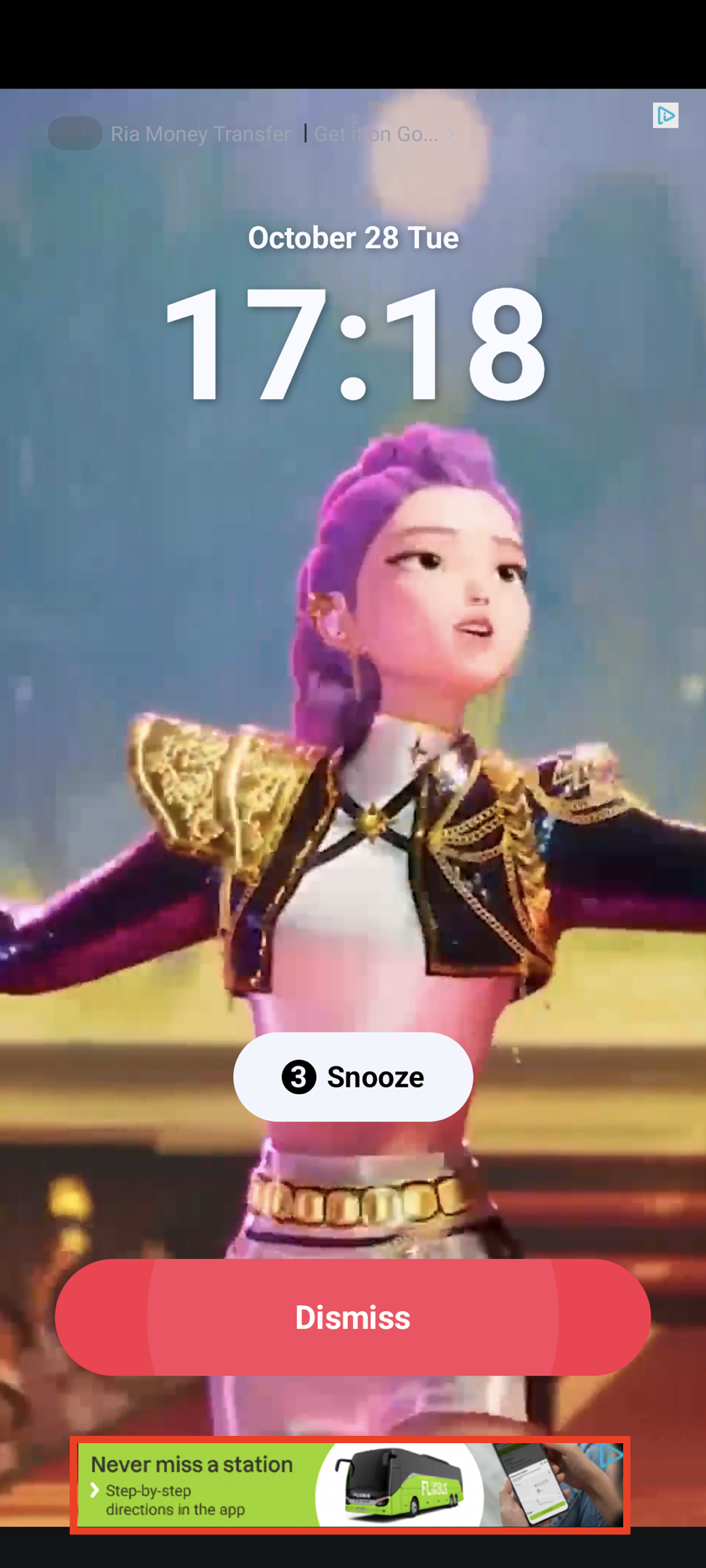
MREC Ad
Medium Rectangle format (300x250) with similar characteristics to banner ads.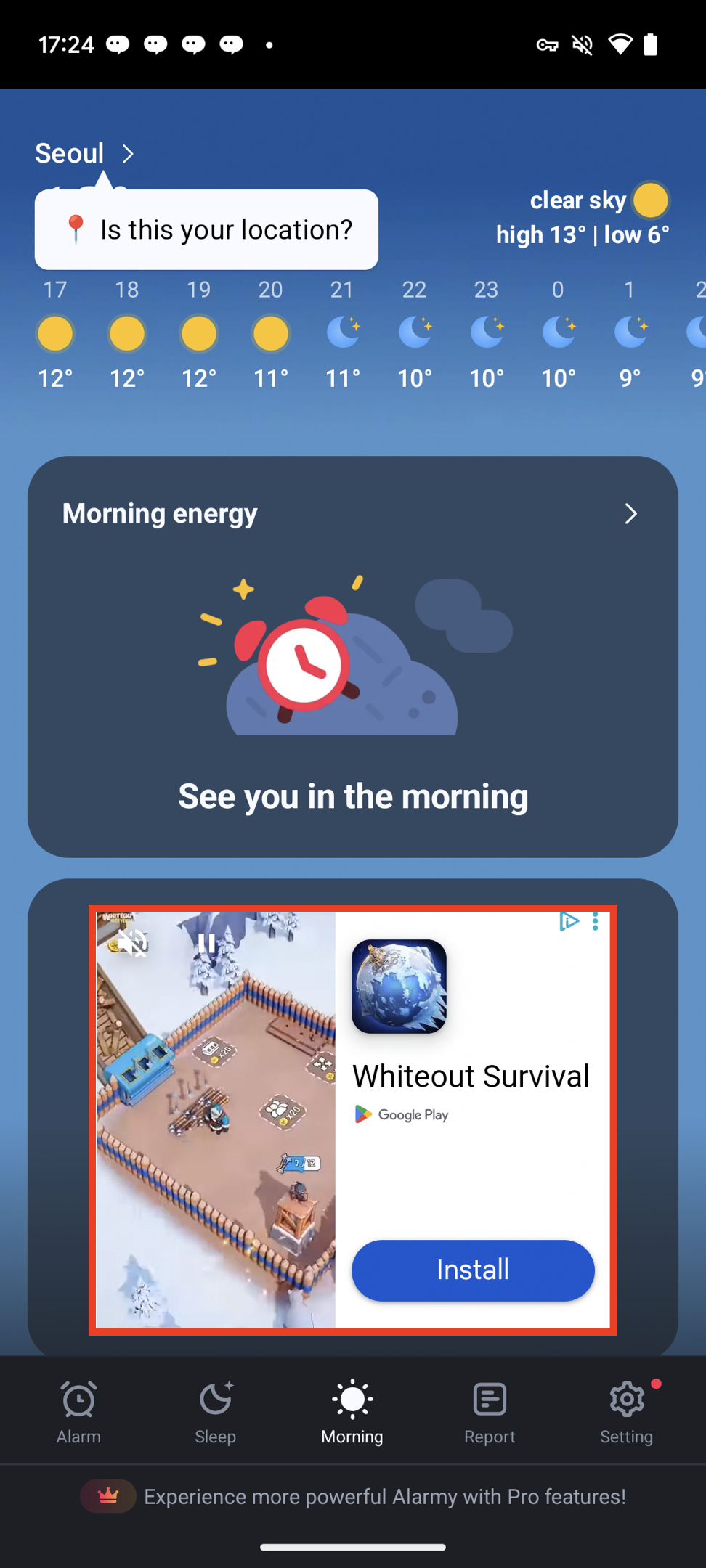
Integrate Ads
- Xml
- Compose
1
Create adUnit
val adUnit = DaroBannerAdUnit(
  key = ${AdUnitId},
  placement = ${placement}, //Name to be shown in logs. Can be empty.
  bannerSize = DaroBannerSize.Banner,
)
val adUnit = DaroBannerAdUnit(
  key = ${AdUnitId},
  placement = ${placement}, //Name to be shown in logs. Can be empty.
  bannerSize = DaroBannerSize.MREC,
)
2
Create adView and add to view
val adView = DaroBannerAdView(
  context = context,
  adUnit = adUnit
)

binding.adViewContainer.addView(adView)
3
Set listener
adView.setListener(object : DaroAdViewListener {
  override fun onAdImpression(adInfo: DaroAdInfo) {}
  override fun onAdClicked(adInfo: DaroAdInfo) {}
  override fun onAdLoadSuccess(ad: DaroViewAd, adInfo: DaroAdInfo) {}
  override fun onAdLoadFail(err: DaroAdLoadError) {}
})
4
Load ad
adView.loadAd()
- View automatically finds and manages lifecycle for the screen. No need to call
resume,pause, ordestroyseparately. - If
autoDetectLifecycleis false (default: true), callresume,pause, anddestroydirectly.
DaroBanner(
  adUnit = DaroBannerAdUnit(
    key = ${AdUnitId},
    placement = ${placement}
    bannerSize = DaroBannerSize.Banner,
  ),
  listener = object : DaroAdViewListener {
    override fun onAdImpression(adInfo: DaroAdInfo) {}
    override fun onAdClicked(adInfo: DaroAdInfo) {}
    override fun onAdLoadSuccess(ad: DaroViewAd, adInfo: DaroAdInfo) {}
    override fun onAdLoadFail(err: DaroAdLoadError) {}
  },
  modifier = Modifier
)
DaroBanner(
  adUnit = DaroBannerAdUnit(
    key = ${AdUnitId},
    placement = ${placement}
    bannerSize = DaroBannerSize.MREC,
  ),
  listener = object : DaroAdViewListener {
    override fun onAdImpression(adInfo: DaroAdInfo) {}
    override fun onAdClicked(adInfo: DaroAdInfo) {}
    override fun onAdLoadSuccess(ad: DaroViewAd, adInfo: DaroAdInfo) {}
    override fun onAdLoadFail(err: DaroAdLoadError) {}
  },
  modifier = Modifier
)
Preload ads without creating a view using
DaroBannerAdView.requestPreload().DaroBannerAdView.requestPreload(
this,
DaroBannerAdUnit(
key = ${AdUnitId},
placement = ${placement},
bannerSize = ${bannerSize}
)
)
AdUnitId, placement, and bannerSize must match in the DaroBannerAdUnit to use preloaded ad immediately.