

What is app-ads.txt?
app-ads.txt proves app ownership to advertisers and prevents in-app ad fraud.- How it works: Advertisers verify ownership by checking app-ads.txt when ad requests generate.
- Why it’s required: Ads may not serve without proper configuration.
- Maintenance: Requires periodic updates as ad demand entries change.
Set Up app-ads.txt
1
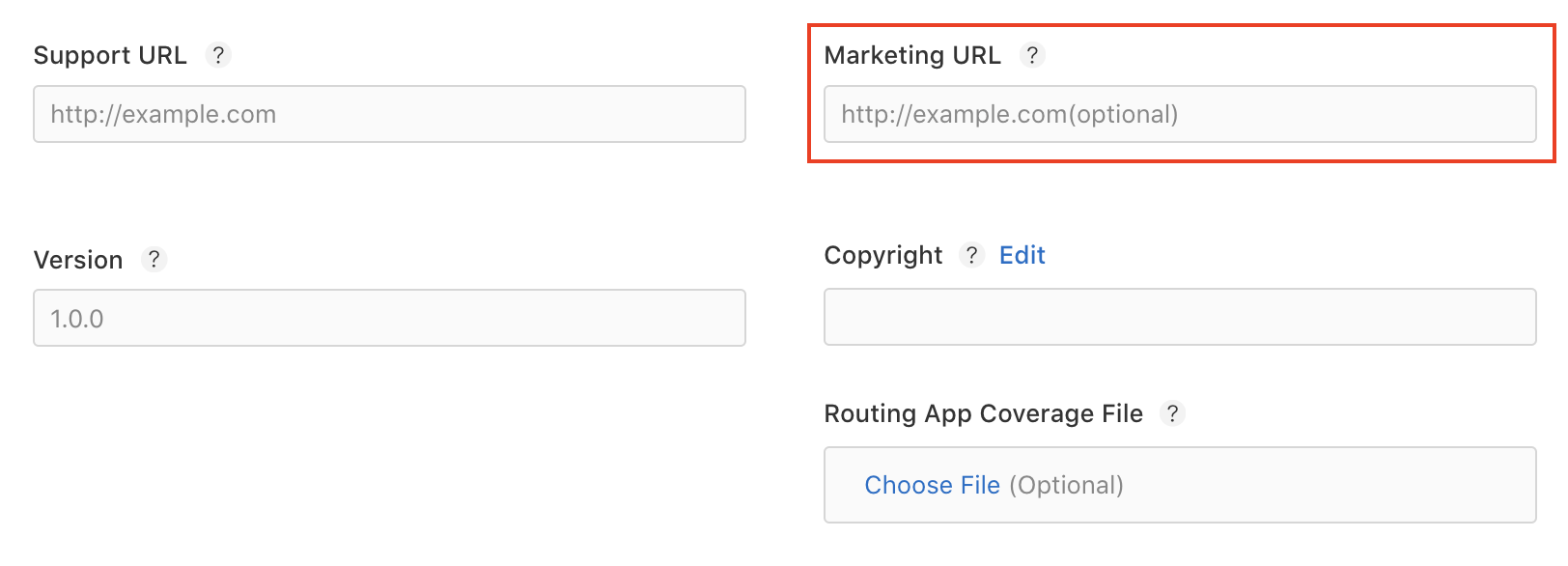
Add developer website to app store listing
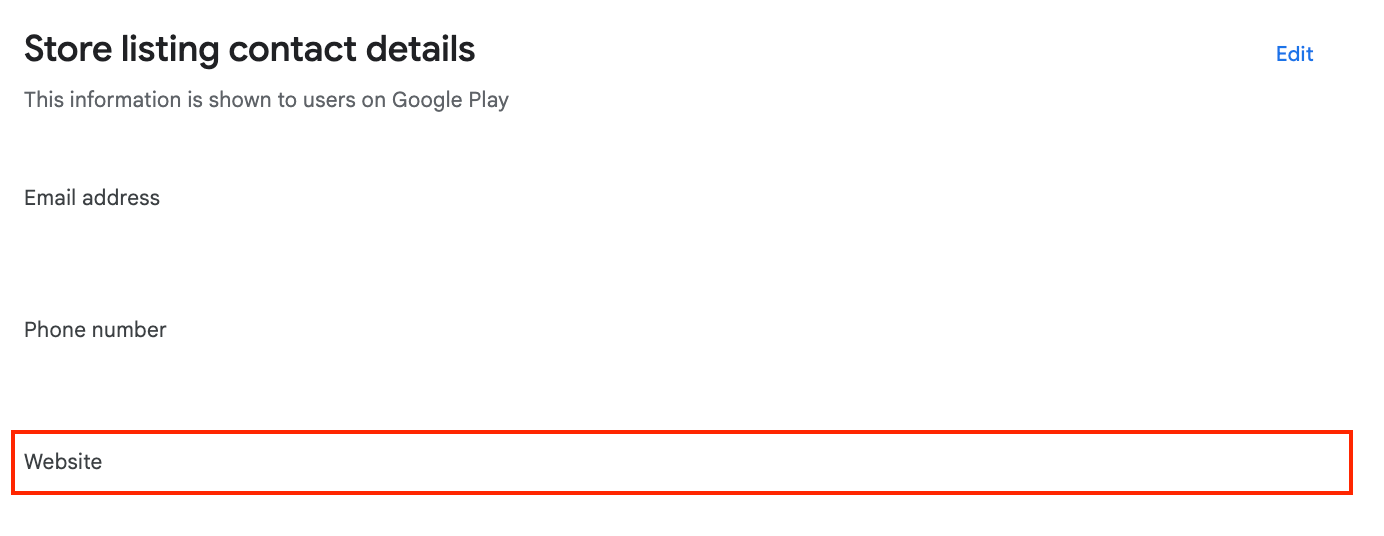
- Google Play
- Apple App Store
- Log in to the Play Console.
- Select your app.
- Grow users > Store presence > Store settings > Store listing contact details.
- Scroll to Store listing contact details.
-
Add your developer website URL in the Website field.
2
Publish app-ads.txt file on developer website
Create file at
https://<your-domain>/app-ads.txt in your website root directory.Example: For developer website https://example.com, publish at https://example.com/app-ads.txt.3
Add DARO content to app-ads.txt file
Copy complete content from DARO app-ads.txt to your file.
Always use latest version: publisher.daro.so/app-ads.txt
Changes propagate in approximately 4 hours. Wait at least 4 hours before testing.