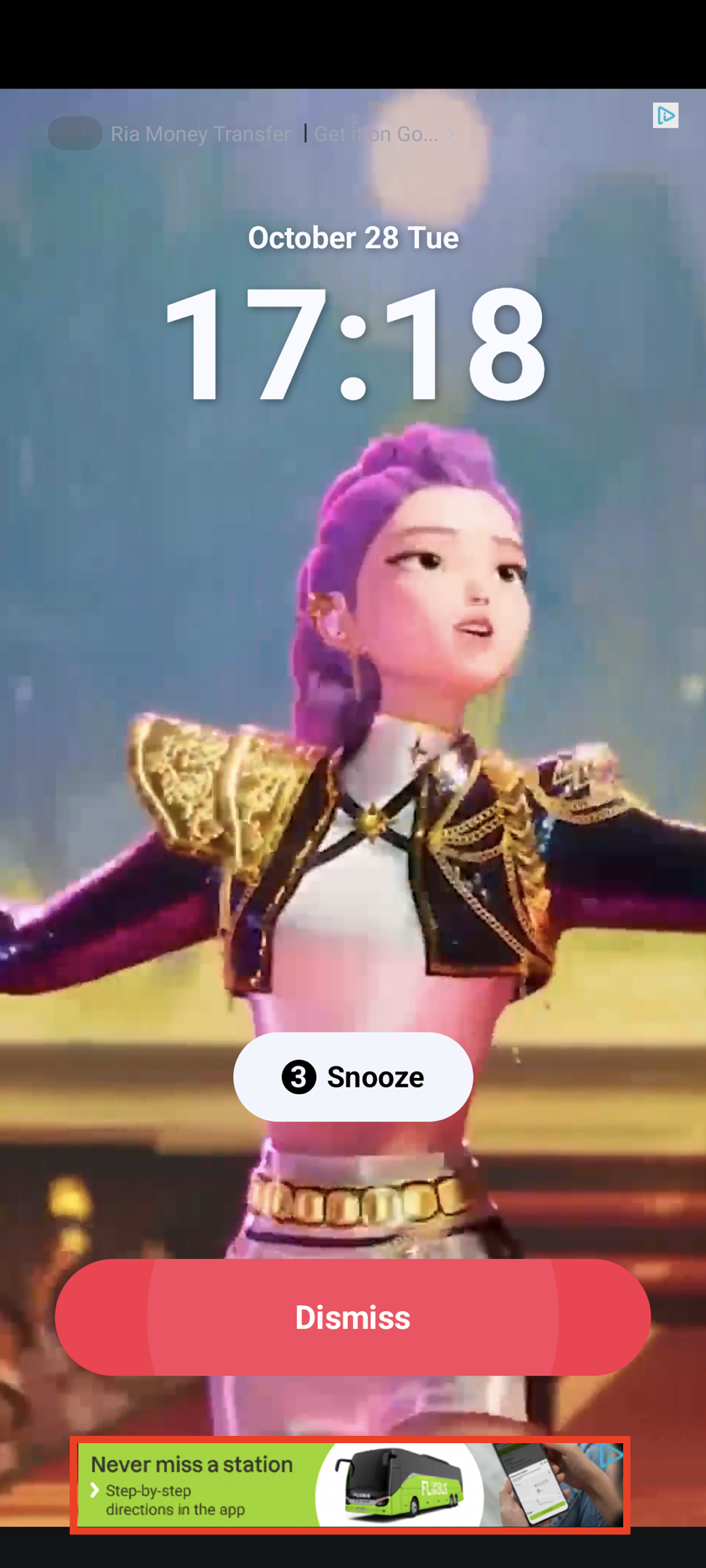
Rectangular ad format (320x50) that occupies part of your app layout. Supported by most ad networks. Banner Example Pn

MREC Ads

Medium Rectangle format (300x250) with similar characteristics to banner ads. Mrec Example Pn
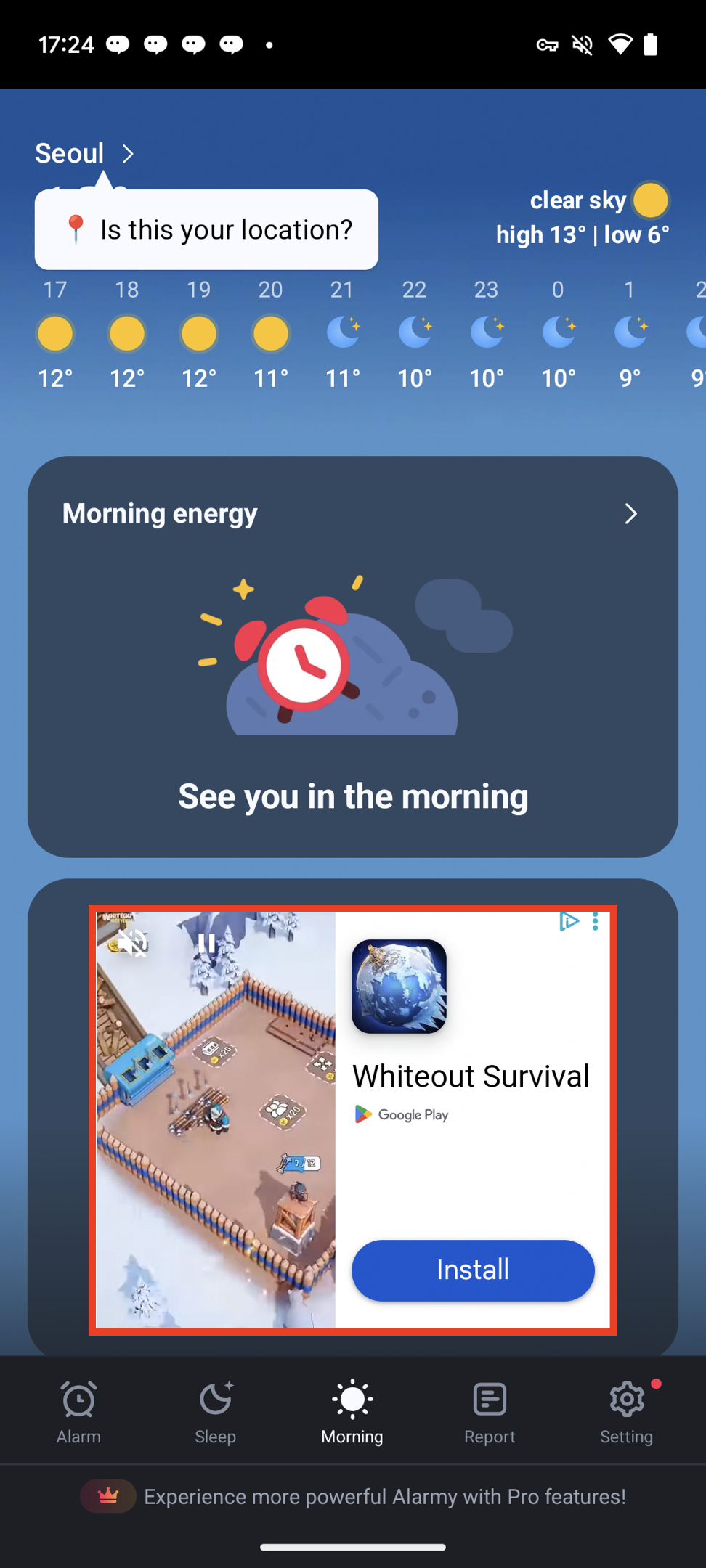
Ad Unit Setup

Configure your ad unit using the ad unit ID issued from the dashboard.
  • Swift
  • Objective-C
let bannerUnit = DaroAdUnit(unitId: "your_banner_unit_id")
let mrecUnit = DaroAdUnit(unitId: "your_mrec_unit_id")

Ad Implementation

Basic Usage

  • Swift
  • Objective-C
// Banner ad
let bannerView = DaroAdBannerView(
    unit: bannerUnit,
    bannerSize: .banner
)
// MREC ad
let bannerView = DaroAdBannerView(
    unit: mrecUnit,
    bannerSize: .MREC
)
Note: Banner ads automatically load the initial ad upon creation.

Manual Initial Load Setup

You can use the autoLoad parameter to directly control the initial load timing of the ad.
  • Swift
  • Objective-C
// Banner ad - manual initial load mode
let bannerView = DaroAdBannerView(
    unit: bannerUnit,
    bannerSize: .banner,
    autoLoad: false  // Disable automatic initial load
)

// Load initial ad at desired time
bannerView.loadAd()

autoLoad Parameter

  • true (default): Automatically loads initial ad when view is created
  • false: Initial ad loads when loadAd() is manually called
Manual initial load is useful in the following cases:
  • When you want to display the ad after a specific user action
  • When you want to control ad load timing during screen transitions
  • When you want to load the ad after checking network status
Note: Ad refresh after loading is automatically managed by the SDK.

Setting Listeners/Delegates

  • Swift (Listener)
  • Objective-C (Delegate)
You can set listeners to monitor ad status changes.
bannerView.listener.onAdLoadSuccess = { ad, adInfo in
    print("[DARO] Listener Banner Ad loaded: \(ad) \(adInfo)")
}
bannerView.listener.onAdLoadFail = { error in
    print("[DARO] Listener Banner Ad failed: \(error)")
}
bannerView.listener.onAdClicked = { adInfo in
    print("[DARO] Listener Banner Ad clicked: \(adInfo)")
}
bannerView.listener.onAdImpression = { adInfo in
    print("[DARO] Listener Banner Ad impression: \(adInfo)")
}