

Load ads after SDK initialization succeeds. Swift examples require
import Daro; Objective-C examples use DaroObjCBridge. For an existing integration, follow the migration guide first.Banner & MREC Ad Formats
Banner Ads
Rectangular ad format (320x50) that occupies part of your app layout. Supported by most ad demand sources.
MREC Ads
Medium Rectangle format (300x250) with similar characteristics to banner ads.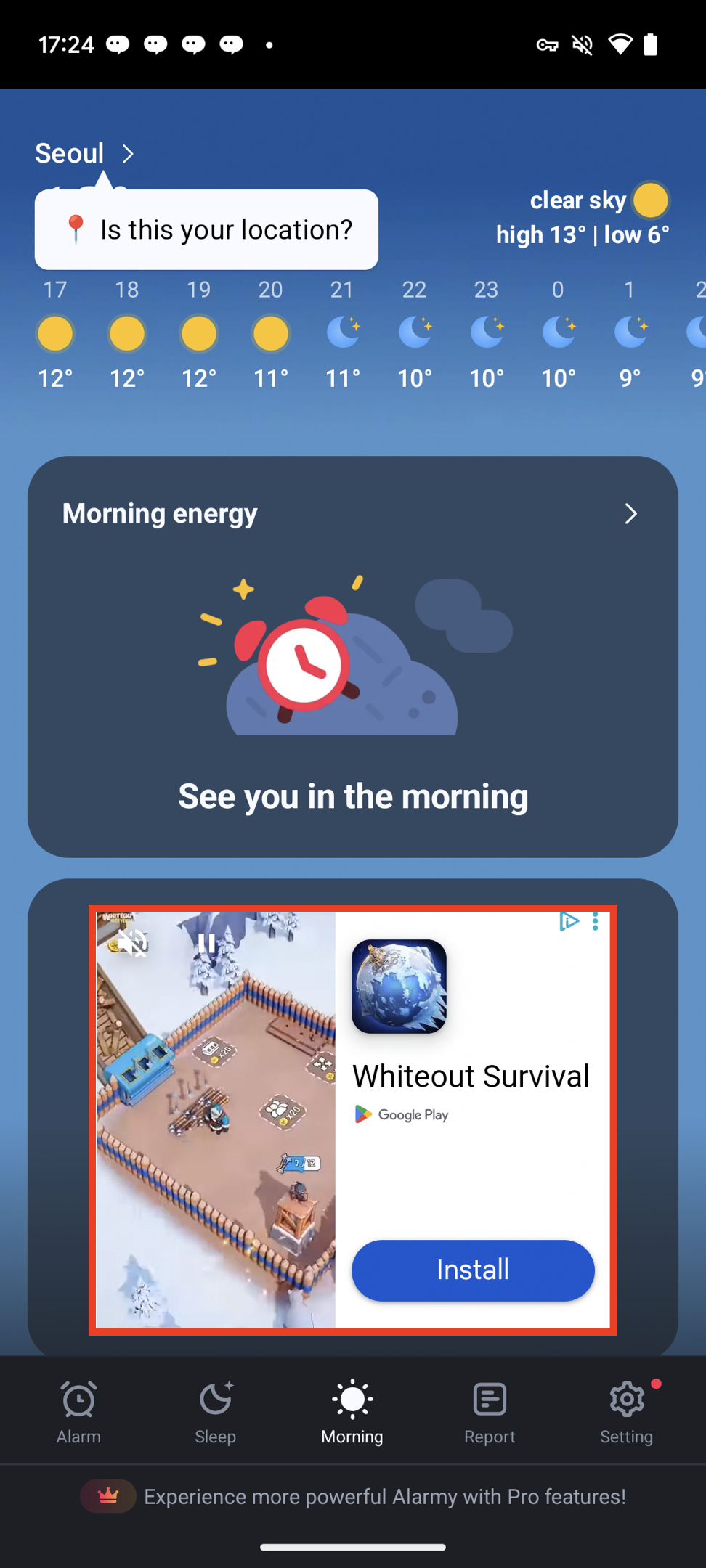
Ad Unit Setup
Configure your Ad Unit using the Ad Unit Key issued from the dashboard.- Swift
- Objective-C
Ad Implementation
Basic Usage
- Swift
- Objective-C
Note: The examples create views withFor MREC, follow the same setup sequence, then callautoLoad: false. After SDK initialization succeeds, configure listeners/delegates and the view, then callloadAd(). The SDK manages subsequent refreshes.
mrecView.loadAd() in Swift or [mrecView loadAd] in Objective-C.
Setting Listeners/Delegates
- Swift (Listener)
- Objective-C (Delegate)
You can set listeners to monitor ad status changes.