

- Navigate to Ad Units and click Add Ad Unit.
-
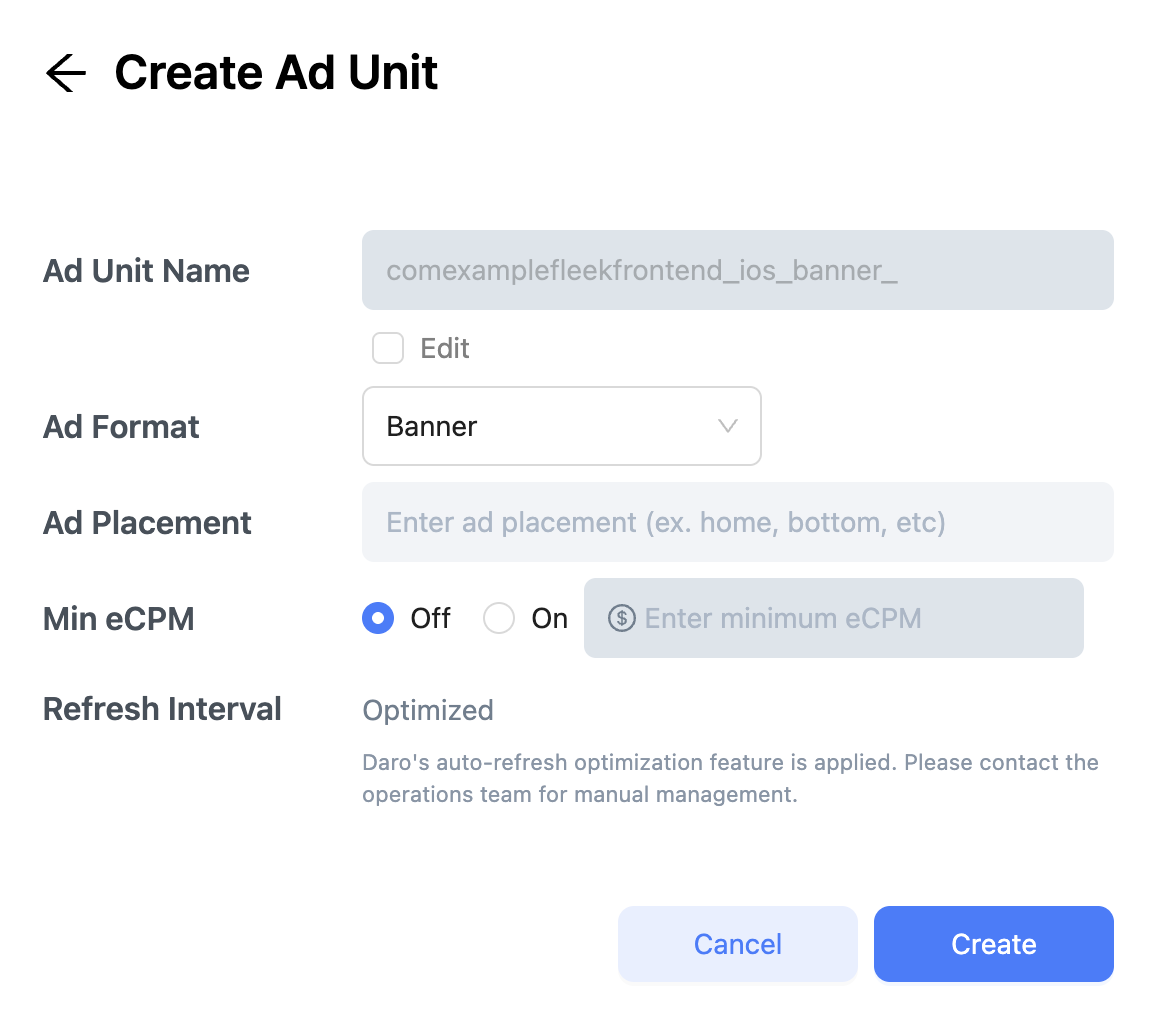
Select Ad Format and enter Ad Placement name. DARO generates an Ad Unit Name automatically (
app_package_name_os_ad_format_ad_placement). To customize, select Enter Manually. - Optionally, set minimum eCPM (disabled by default).
Important Notes
- Maximum 20 ad units in Live status per app
- Create one ad unit per placement
- Only create ad units you’ll integrate—unused units affect optimization