

Project Setup
Update both Android and iOS project settings:Android Project Setup
Android Project Setup
1
Project-level Build Configuration
Change the
daro-plugin dependency.Latest version
- daro-plugin:
2
Apply the DARO plugin in build.gradle(app)
3
Key file configuration
-
Delete
daro-services.jsonand downloaddaro-key.txtand add it as follows.- If using common configuration without flavor distinction
- If using different configuration by flavor
daro-key.txtcan be downloaded from the DARO dashboard. -
Add
daroAppKeyto thegradle.propertiesfile.
The daroAppKey can be found in the DARO dashboard.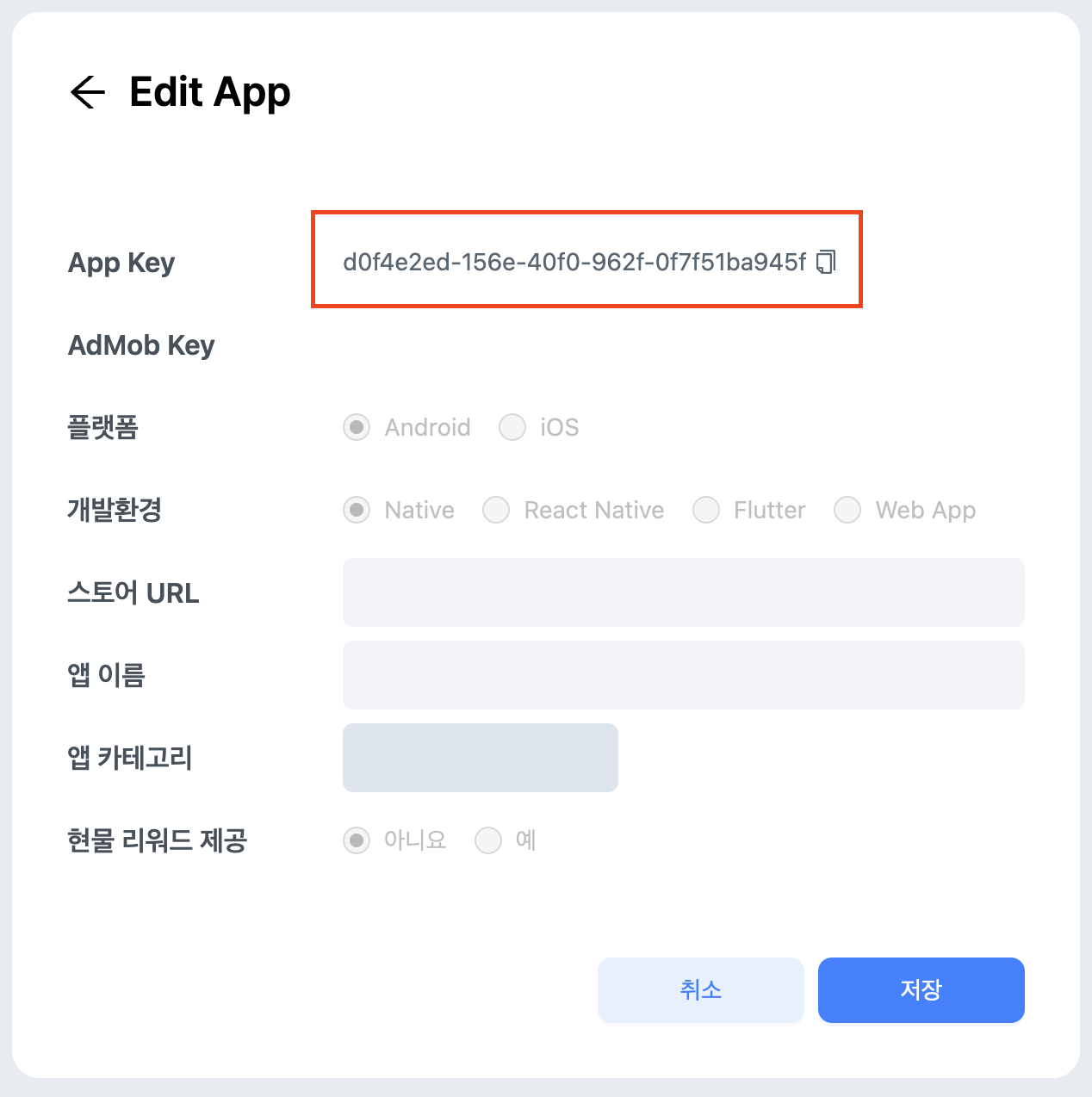
4
Add Daro SDK dependency
Add the dependency as follows.
Latest version
- daro-m:
iOS Project Setup
iOS Project Setup
daro-service.json-> changed toios-daro-key.txt- Info.plist: Configure
DaroAppKey
ios-daro-key.txt can be downloaded from the DARO dashboard.DaroAppKey can be found in the DARO dashboard.Code Implementation
1
Change Ad Unit Id used for ad load
The Ad Unit Id used previously is not available in the new SDK.
Therefore, please get the changed Ad Unit Id from the Daro dashboard and apply it to your code.
Therefore, please get the changed Ad Unit Id from the Daro dashboard and apply it to your code.
Using the existing Ad Unit Id will cause ad load failures. Please make sure to replace the Ad Unit Id.
2
Remove extraParameter, localExtraParameter, placement
Support for methods that set extraParameter, localExtraParameter, and placement when loading ads has been discontinued.
If you were using these fields previously, they must be removed.
3
Remove refreshSeconds for Banner/MREC/Native
A feature has been added to control refreshSeconds remotely from the daro dashboard instead of directly controlling it on the client.
If you were changing refreshSeconds previously, please remove that field and apply refreshSeconds from the dashboard.
4
Apply ad callback parameter changes
The internal fields of AdInfo, AdLoadFailedInfo, and AdDisplayFailedInfo provided in existing ad callbacks have been changed.
Please review the callbacks you were using accordingly.