

Light Popup Ad Format
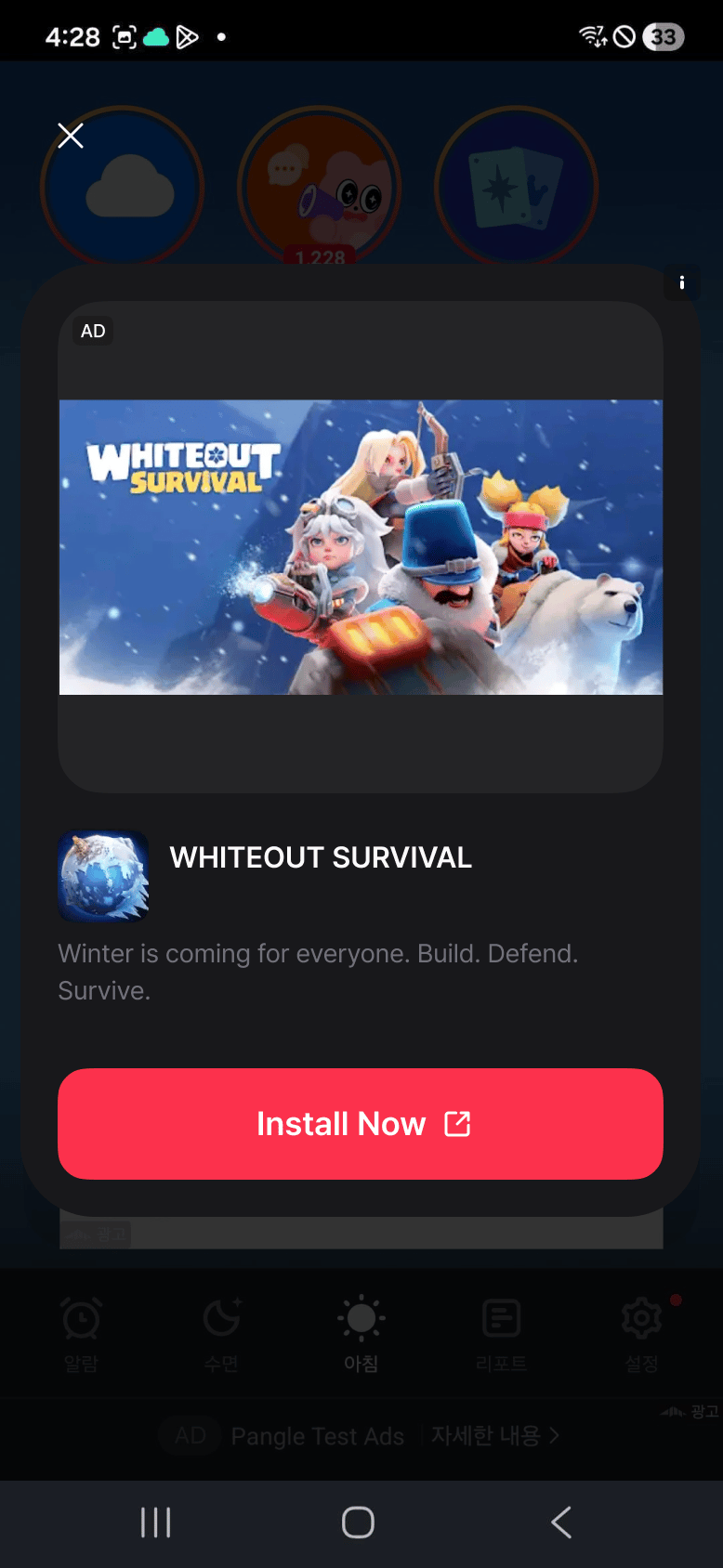
- Ads shown as a popup over the current screen.
- Configure colors and close button text with
DaroLightPopupAdOptions.
Android Light Popup Example
iOS Light Popup Example
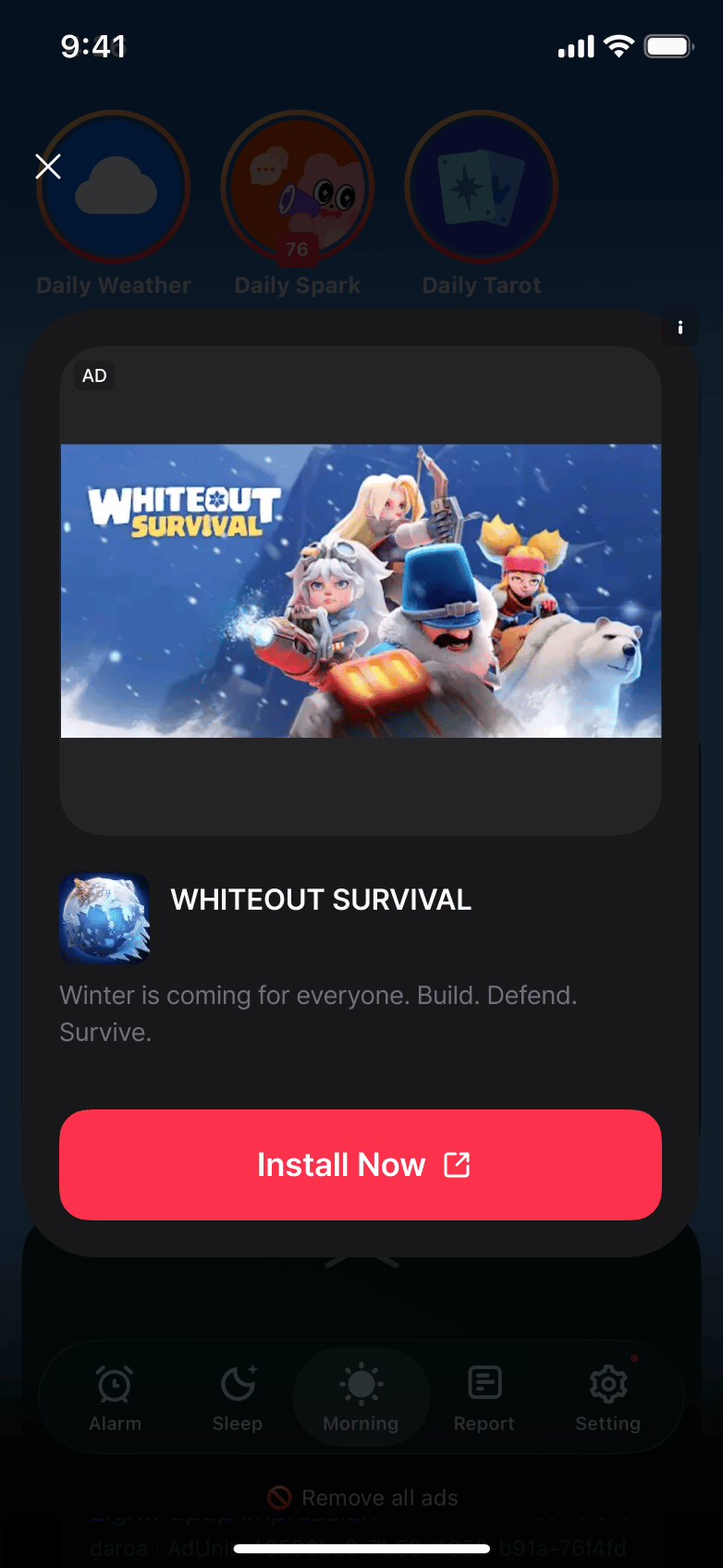
In iOS landscape orientation, media or the CTA may be clipped. This limitation remains in
0.5.0-rc.4; use portrait orientation on iOS.Integrating Ads
1
Configure Ad Options
2
Create Ad Instance
3
Register Event Handlers
4
Load and Show Ad
5
Dispose Ad