App Open Ad Format
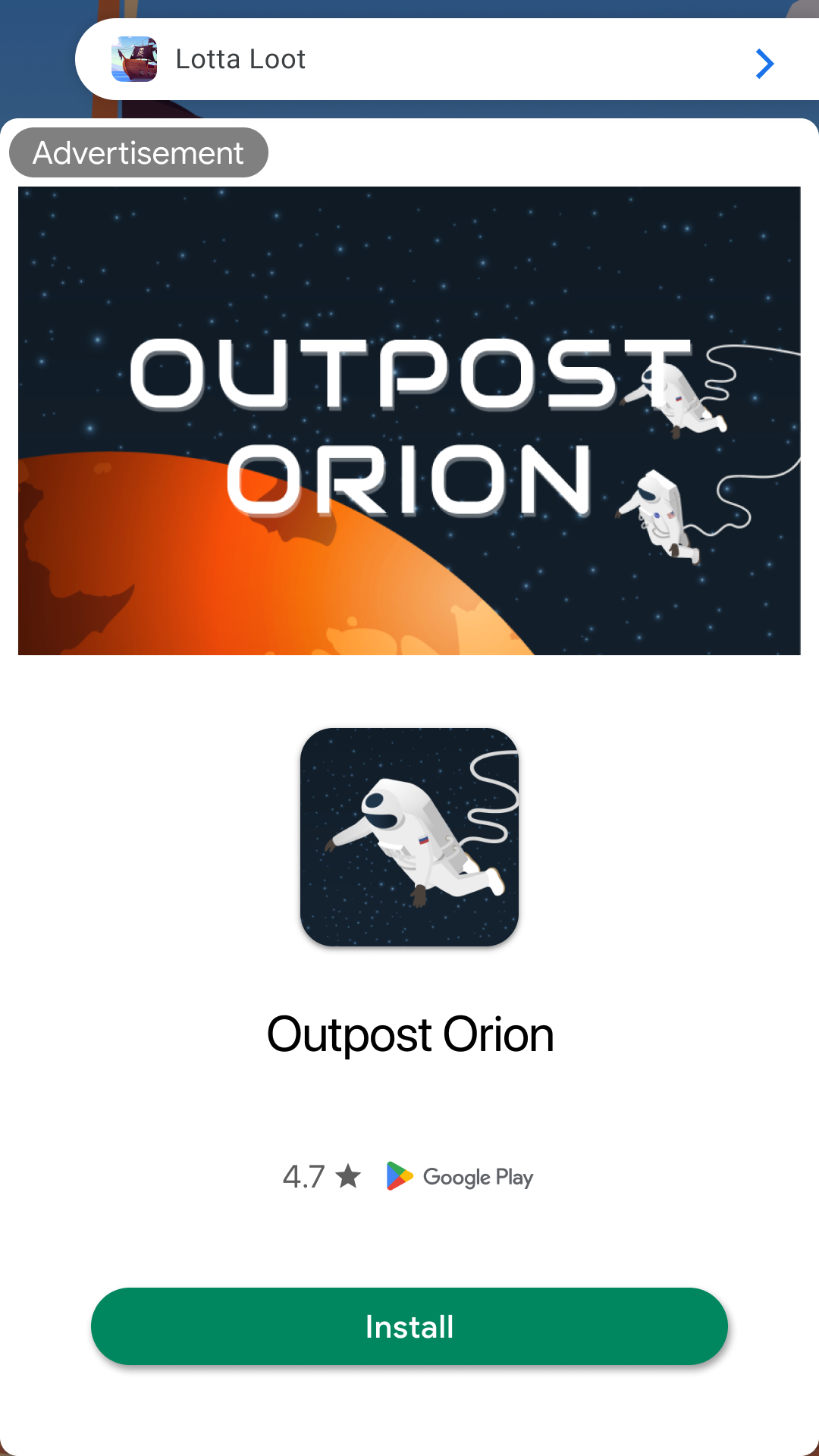
App open ads are full-screen ad format that can be used at the following moments:- Display ads during app launch loading screen
- Display ads when app transitions from background to foreground
Integrating Ads
Initialize the SDK as described in Get started. ReplaceYOUR_AD_UNIT_ID in the examples with the dashboard Ad Unit Key for this format.
1
Create adUnit
Configure your Ad Unit using the Ad Unit Key issued from the dashboard.
2
Create DaroAppOpenAdManager and Load Ad
Create a DaroAppOpenAdManager and load the app open ad.
3
Display App Open Ad
Display the app open ad.
4
Clean Up DaroAppOpenAdManager Resources
Clean up resources when the app open ad is no longer needed.