

Light Popup Ad Format
- A full-screen ad format.
- Displays an ad as a popup over your app screen.
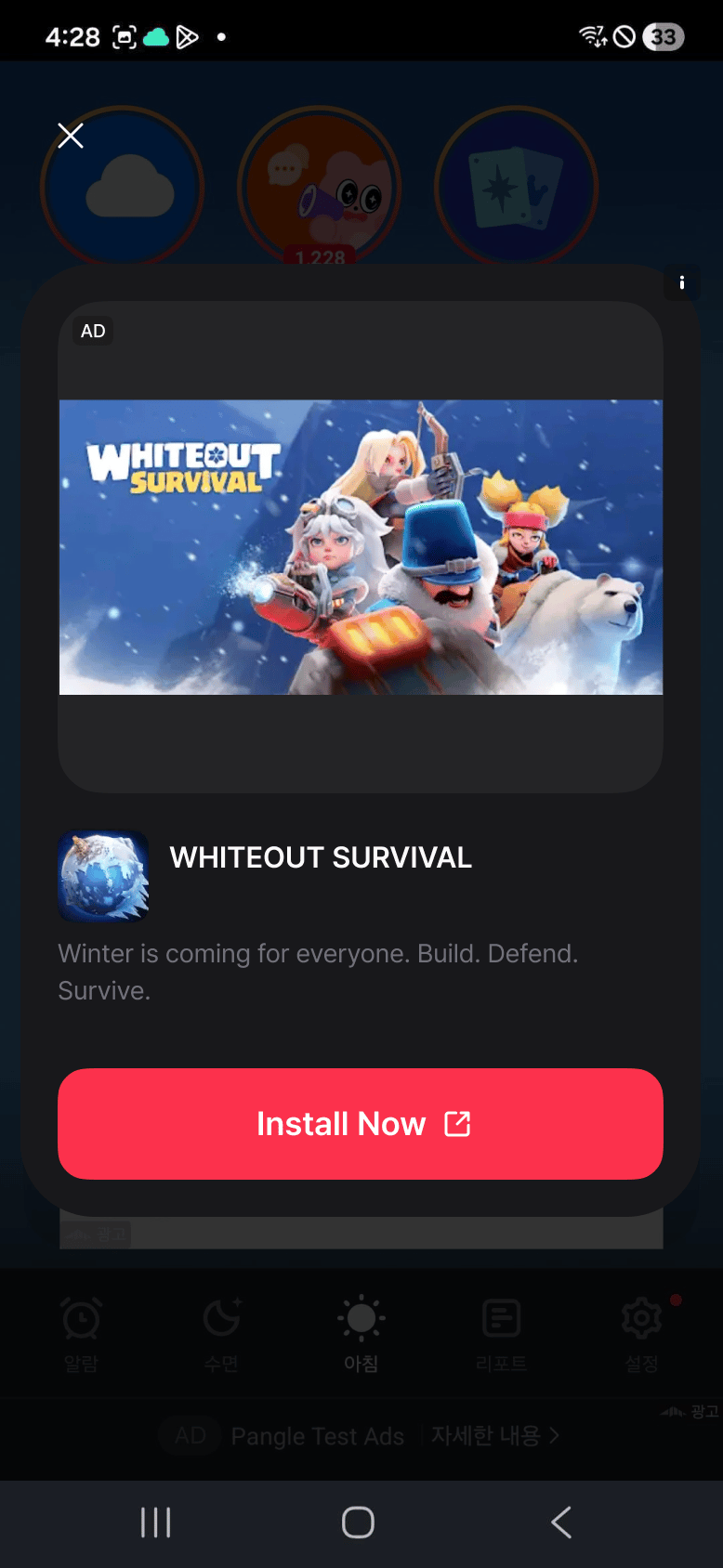
- Android light popup example
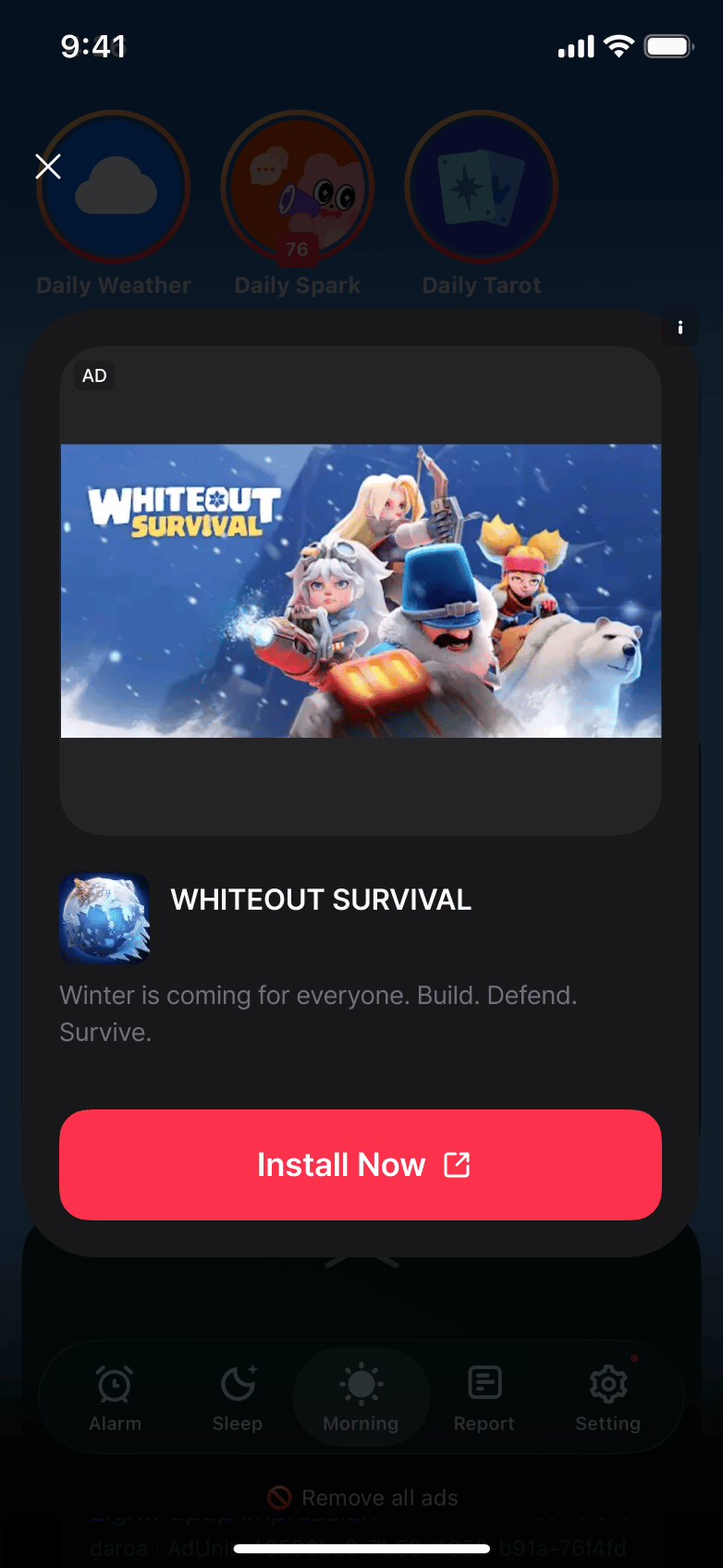
- iOS light popup example
Creating Instance and Setting Callbacks
Create aDaroLightPopupAd instance and set up callbacks.
Loading Ads
Callload() to load an ad.
Showing Ads
Check if the ad is ready withisReady(), then display it with show().
Releasing Resources
Calldispose() to release resources when done, including from your widget’s State.dispose(). Create a new instance instead of reusing one after disposal. Create the ad instance in initState() and keep it when rotation causes build() to run again. An orientation change alone does not require another ad load. The native SDK adjusts the existing ad’s layout, following the orientations supported by your app.
Style Customization
UseDaroLightPopupStyle to customize the UI of light popup ads. Pass Flutter Color objects directly.
Style Properties
Implementation Example
This is an example implementation of DaroLightPopupAd.
This is an example implementation of DaroLightPopupAd.