> ## Documentation Index
> Fetch the complete documentation index at: https://guide.daro.so/llms.txt
> Use this file to discover all available pages before exploring further.
# 배너 & MREC 광고
> DARO를 통해 배너와 MREC 광고를 구현하는 방법을 알아봅니다.
## 배너 & MREC 형태 소개
### 배너 광고
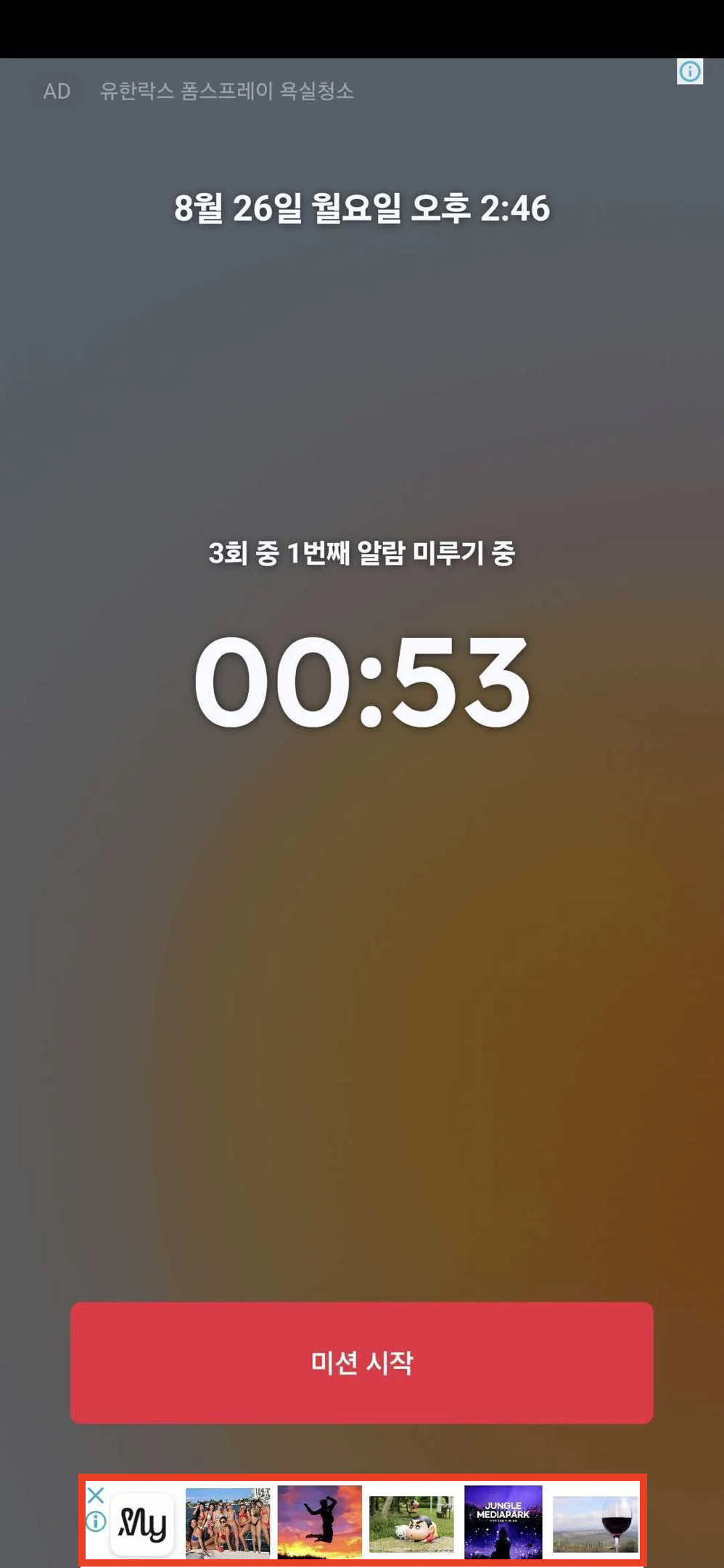
* 앱 레이아웃의 일부를 차지하는 직사각형 광고 형태로 보편적으로 사용됩니다.
* 대부분의 광고 디맨드들이 지원하는 형태인 320x50 사이즈를 사용합니다.
 ### MREC 광고
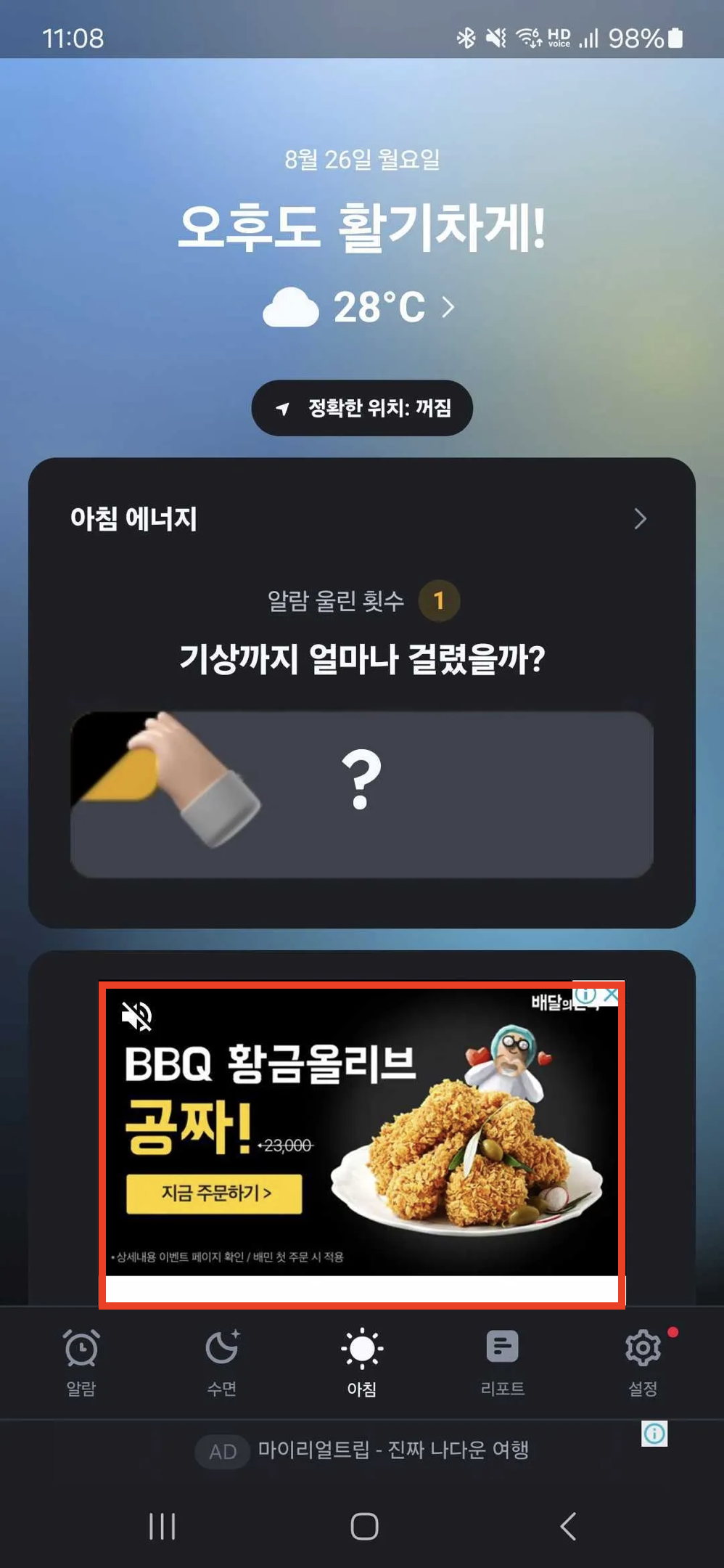
* 300x250 의 사이즈를 MREC으로 구분하여 부릅니다.
* 전반적으로 배너와 동일한 특성을 가집니다.
### MREC 광고
* 300x250 의 사이즈를 MREC으로 구분하여 부릅니다.
* 전반적으로 배너와 동일한 특성을 가집니다.
 ***
## 배너/MREC 컴포넌트 생성하기
```javascript theme={null}
import { AdFormat, AdBannerView } from "react-native-daro";
import { Platform } from "react-native";
```
```javascript theme={null}
import { AdFormat, AdBannerView } from "react-native-daro-m";
import { Platform } from "react-native";
```
```javascript 배너 theme={null}
const BANNER_AD_UNIT_ID = Platform.select({
ios: ${iOS unit Id},
android: ${Android unit id},
default: '',
});
```
```javascript MREC theme={null}
const BANNER_AD_UNIT_ID = Platform.select({
ios: ${iOS unit Id},
android: ${Android unit id},
default: '',
});
```
* 동일 AdUnitId를 여러 지면에서 사용하는 경우 각 지면을 구분할 수 있도록 `placement`를 반드시 입력해주세요
***
## 배너/MREC 컴포넌트 생성하기
```javascript theme={null}
import { AdFormat, AdBannerView } from "react-native-daro";
import { Platform } from "react-native";
```
```javascript theme={null}
import { AdFormat, AdBannerView } from "react-native-daro-m";
import { Platform } from "react-native";
```
```javascript 배너 theme={null}
const BANNER_AD_UNIT_ID = Platform.select({
ios: ${iOS unit Id},
android: ${Android unit id},
default: '',
});
```
```javascript MREC theme={null}
const BANNER_AD_UNIT_ID = Platform.select({
ios: ${iOS unit Id},
android: ${Android unit id},
default: '',
});
```
* 동일 AdUnitId를 여러 지면에서 사용하는 경우 각 지면을 구분할 수 있도록 `placement`를 반드시 입력해주세요