> ## Documentation Index
> Fetch the complete documentation index at: https://guide.daro.so/llms.txt
> Use this file to discover all available pages before exploring further.
# Banner & MREC Ads
> Implement banner and MREC ads in your React Native app.
## Banner & MREC Ad Formats
### Banner Ads
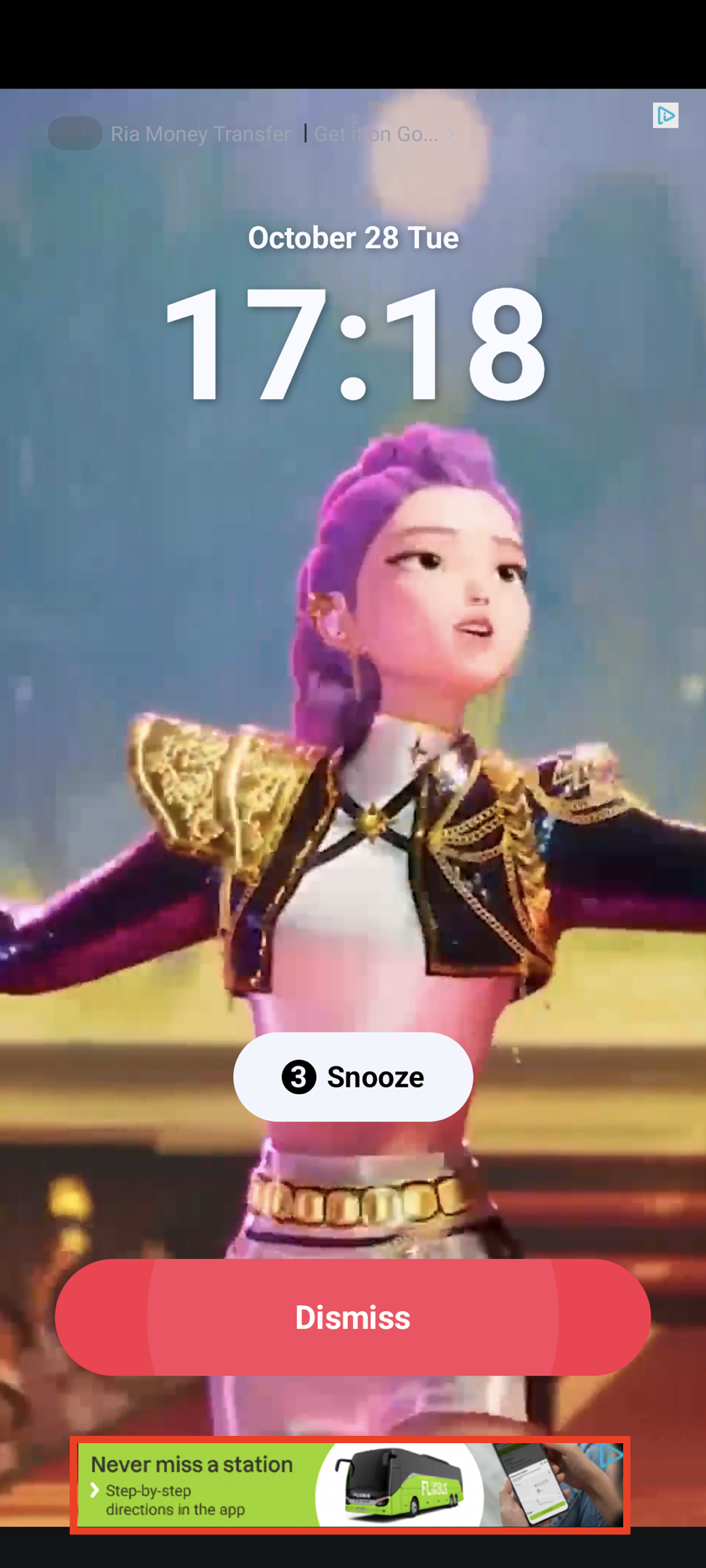
Rectangular ad format (320x50) that occupies part of your app layout. Supported by most ad demand sources.
 ### MREC Ads
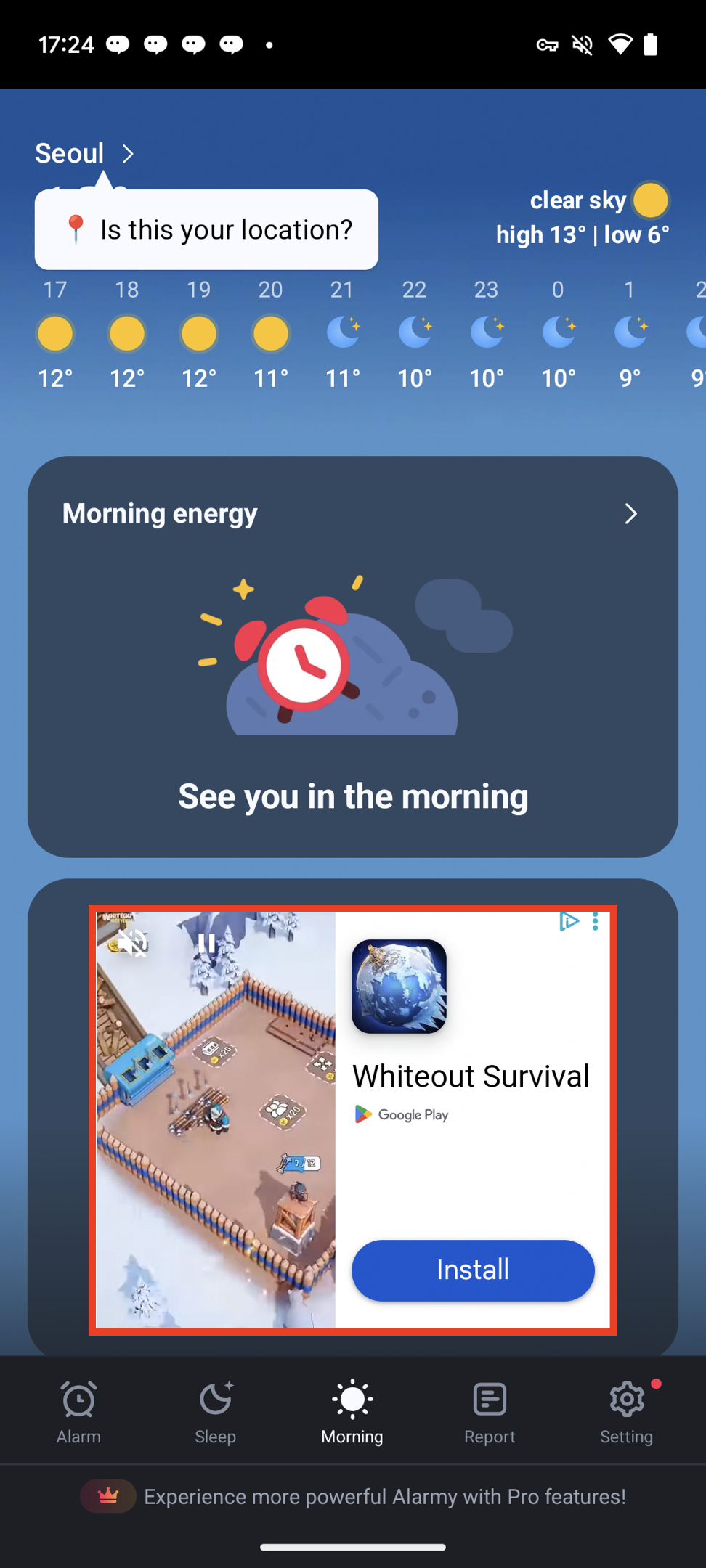
Medium Rectangle format (300x250) with similar characteristics to banner ads.
### MREC Ads
Medium Rectangle format (300x250) with similar characteristics to banner ads.
 ***
## Creating Banner/MREC Components
```javascript theme={null}
import { AdFormat, AdBannerView } from "react-native-daro";
import { Platform } from "react-native";
```
```javascript theme={null}
import { AdFormat, AdBannerView } from "react-native-daro-m";
import { Platform } from "react-native";
```
```javascript Banner theme={null}
const BANNER_AD_UNIT_ID = Platform.select({
ios: ${iOS unit Id},
android: ${Android unit id},
default: '',
});
```
```javascript MREC theme={null}
const BANNER_AD_UNIT_ID = Platform.select({
ios: ${iOS unit Id},
android: ${Android unit id},
default: '',
});
```
* When using the same AdUnitId across multiple placements, be sure to enter a `placement` to distinguish each placement.
***
## Creating Banner/MREC Components
```javascript theme={null}
import { AdFormat, AdBannerView } from "react-native-daro";
import { Platform } from "react-native";
```
```javascript theme={null}
import { AdFormat, AdBannerView } from "react-native-daro-m";
import { Platform } from "react-native";
```
```javascript Banner theme={null}
const BANNER_AD_UNIT_ID = Platform.select({
ios: ${iOS unit Id},
android: ${Android unit id},
default: '',
});
```
```javascript MREC theme={null}
const BANNER_AD_UNIT_ID = Platform.select({
ios: ${iOS unit Id},
android: ${Android unit id},
default: '',
});
```
* When using the same AdUnitId across multiple placements, be sure to enter a `placement` to distinguish each placement.