> ## Documentation Index
> Fetch the complete documentation index at: https://guide.daro.so/llms.txt
> Use this file to discover all available pages before exploring further.
# App Open Ads
> Implement app open ads in your Android app.
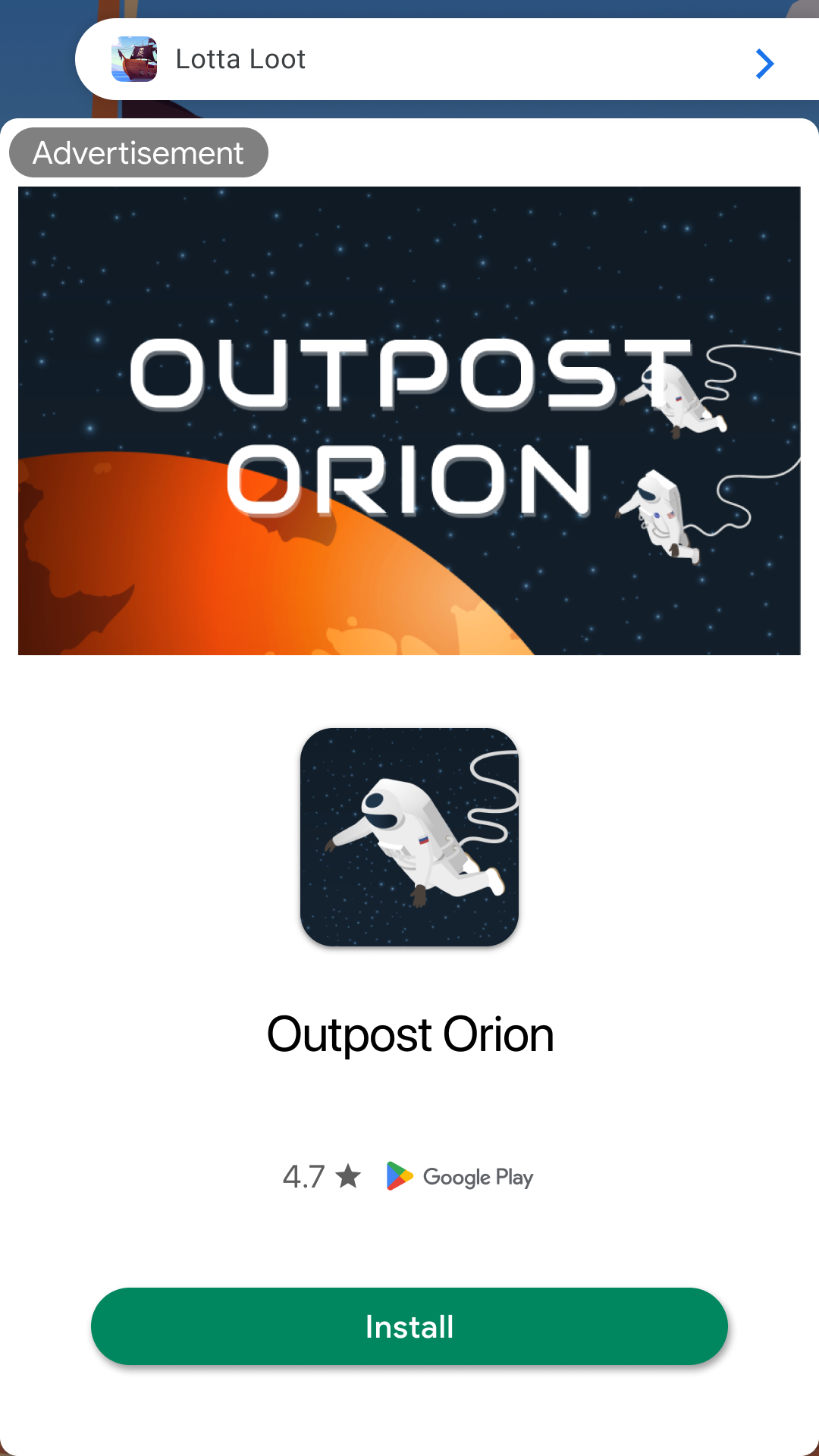
## App Open Ad Format
App open ads are full-screen ad format that can be used at the following moments:
* Display ads during app launch loading screen
* Display ads when app transitions from background to foreground
 ***
## Integrating Ads
Configure your ad unit using the `ad unit ID` issued from the dashboard.
```kotlin theme={null}
val adUnit = DaroAppOpenAdUnit(
unitId = ${AdUnitId},
placement = ${placement}, // Name displayed in logs. Can be left empty.
)
```
Create a DaroAppOpenAdManager to preload app open ads, and load the ad.
```kotlin theme={null}
// Call this code at the onCreate of your Application class.
val appOpenAdManager = DaroAppOpenAdManager.Builder(application)
.setAdUnit(adUnit)
.setAppOpenAdLoaderListener(object : DaroAppOpenAdLoaderListener {
override fun onAdLoadSuccess(ad: DaroAppOpenAd, adInfo: DaroAdInfo) {
// Ad load success
}
override fun onAdLoadFail(error: DaroLoadError) {
// Ad load failure
}
})
.setAppOpenAdListener(object : DaroAppOpenAdListener {
override fun onAdImpression(adInfo: DaroAdInfo) {
// App open ad impression event
}
override fun onAdClicked(adInfo: DaroAdInfo) {
// App open ad click event
}
override fun onShown(adInfo: DaroAdInfo) {
// When app open ad is shown
}
override fun onDismiss(adInfo: DaroAdInfo) {
// When app open ad is dismissed
}
override fun onFailedToShow(adInfo: DaroAdInfo, error: DaroAdDisplayFailError) {
// When app open ad failed to show
}
})
.build()
// Load ad
appOpenAdManager.loadAd()
```
Display the app open ad.
```kotlin theme={null}
// 1. If you need to call the ad directly from a specific Activity, Fragment, or Composable
appOpenAdManager.showIfAvailable(activity)
// 2. If you need to call it every time the app transitions from background to foreground
// You need to implement it using Application.ActivityLifecycleCallbacks.
class ActivityLifecycleCallbacks : Application.ActivityLifecycleCallbacks {
override fun onActivityStarted(activity: Activity) {
// (Note) You must check if an ad is currently being displayed.
if (!appOpenAdManager.isShowingAd()) {
appOpenAdManager.showIfAvailable(activity)
}
}
...
}
application.registerActivityLifecycleCallbacks(ActivityLifecycleCallbacks())
```
Clean up resources when the app open ad is no longer needed.
```kotlin theme={null}
appOpenAdManager.destroy()
```
***
## Display Ad on Cold Start
```kotlin theme={null}
class MyApplication : Application() {
private lateinit var callbacks: Application.ActivityLifecycleCallbacks
private lateinit var appOpenAdManager: DaroAppOpenAdManager
override fun onCreate() {
super.onCreate()
val adUnit = DaroAppOpenAdUnit(
unitId = "your_appopen_unit_id",
placement = "placement"
)
appOpenAdManager = DaroAppOpenAdManager.Builder(this)
.setAdUnit(adUnit)
.setAppOpenAdLoaderListener(...)
.setAppOpenAdListener(...)
.build()
appOpenAdManager.loadAd()
this.callbacks = object : Application.ActivityLifecycleCallbacks {
override fun onActivityStarted(activity: Activity) {
if (appOpenAdManager.isShowingAd()) {
appOpenAdManager.showIfAvailable()
}
}
...
}
registerActivityLifecycleCallbacks(callbacks)
}
// Call when app open ad is no longer needed
fun destroy() {
appOpenAdManager.destroy()
}
}
```
***
## Integrating Ads
Configure your ad unit using the `ad unit ID` issued from the dashboard.
```kotlin theme={null}
val adUnit = DaroAppOpenAdUnit(
unitId = ${AdUnitId},
placement = ${placement}, // Name displayed in logs. Can be left empty.
)
```
Create a DaroAppOpenAdManager to preload app open ads, and load the ad.
```kotlin theme={null}
// Call this code at the onCreate of your Application class.
val appOpenAdManager = DaroAppOpenAdManager.Builder(application)
.setAdUnit(adUnit)
.setAppOpenAdLoaderListener(object : DaroAppOpenAdLoaderListener {
override fun onAdLoadSuccess(ad: DaroAppOpenAd, adInfo: DaroAdInfo) {
// Ad load success
}
override fun onAdLoadFail(error: DaroLoadError) {
// Ad load failure
}
})
.setAppOpenAdListener(object : DaroAppOpenAdListener {
override fun onAdImpression(adInfo: DaroAdInfo) {
// App open ad impression event
}
override fun onAdClicked(adInfo: DaroAdInfo) {
// App open ad click event
}
override fun onShown(adInfo: DaroAdInfo) {
// When app open ad is shown
}
override fun onDismiss(adInfo: DaroAdInfo) {
// When app open ad is dismissed
}
override fun onFailedToShow(adInfo: DaroAdInfo, error: DaroAdDisplayFailError) {
// When app open ad failed to show
}
})
.build()
// Load ad
appOpenAdManager.loadAd()
```
Display the app open ad.
```kotlin theme={null}
// 1. If you need to call the ad directly from a specific Activity, Fragment, or Composable
appOpenAdManager.showIfAvailable(activity)
// 2. If you need to call it every time the app transitions from background to foreground
// You need to implement it using Application.ActivityLifecycleCallbacks.
class ActivityLifecycleCallbacks : Application.ActivityLifecycleCallbacks {
override fun onActivityStarted(activity: Activity) {
// (Note) You must check if an ad is currently being displayed.
if (!appOpenAdManager.isShowingAd()) {
appOpenAdManager.showIfAvailable(activity)
}
}
...
}
application.registerActivityLifecycleCallbacks(ActivityLifecycleCallbacks())
```
Clean up resources when the app open ad is no longer needed.
```kotlin theme={null}
appOpenAdManager.destroy()
```
***
## Display Ad on Cold Start
```kotlin theme={null}
class MyApplication : Application() {
private lateinit var callbacks: Application.ActivityLifecycleCallbacks
private lateinit var appOpenAdManager: DaroAppOpenAdManager
override fun onCreate() {
super.onCreate()
val adUnit = DaroAppOpenAdUnit(
unitId = "your_appopen_unit_id",
placement = "placement"
)
appOpenAdManager = DaroAppOpenAdManager.Builder(this)
.setAdUnit(adUnit)
.setAppOpenAdLoaderListener(...)
.setAppOpenAdListener(...)
.build()
appOpenAdManager.loadAd()
this.callbacks = object : Application.ActivityLifecycleCallbacks {
override fun onActivityStarted(activity: Activity) {
if (appOpenAdManager.isShowingAd()) {
appOpenAdManager.showIfAvailable()
}
}
...
}
registerActivityLifecycleCallbacks(callbacks)
}
// Call when app open ad is no longer needed
fun destroy() {
appOpenAdManager.destroy()
}
}
```