> ## Documentation Index
> Fetch the complete documentation index at: https://guide.daro.so/llms.txt
> Use this file to discover all available pages before exploring further.
# Light Popup Ads
> Implement light popup ads in your React Native app.
## Light Popup Ad Format
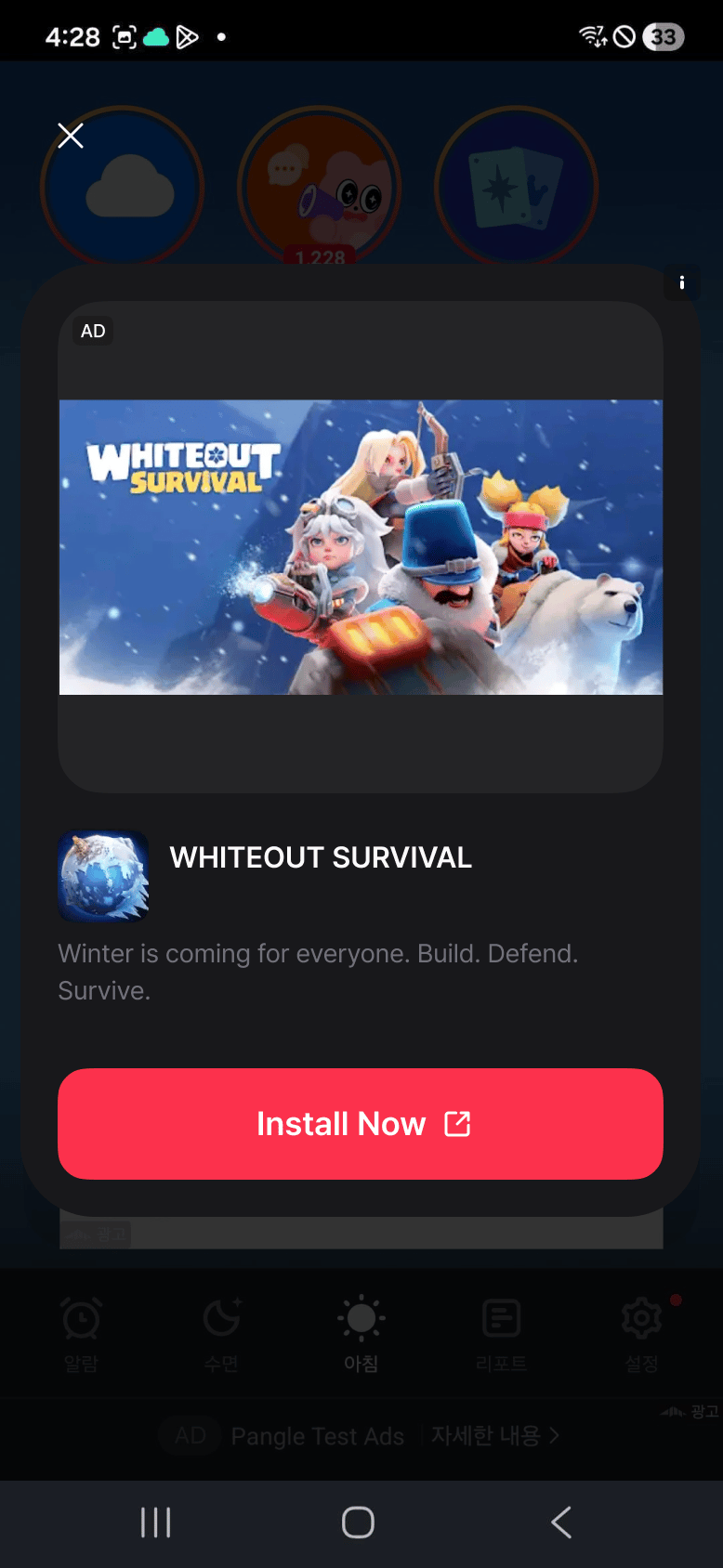
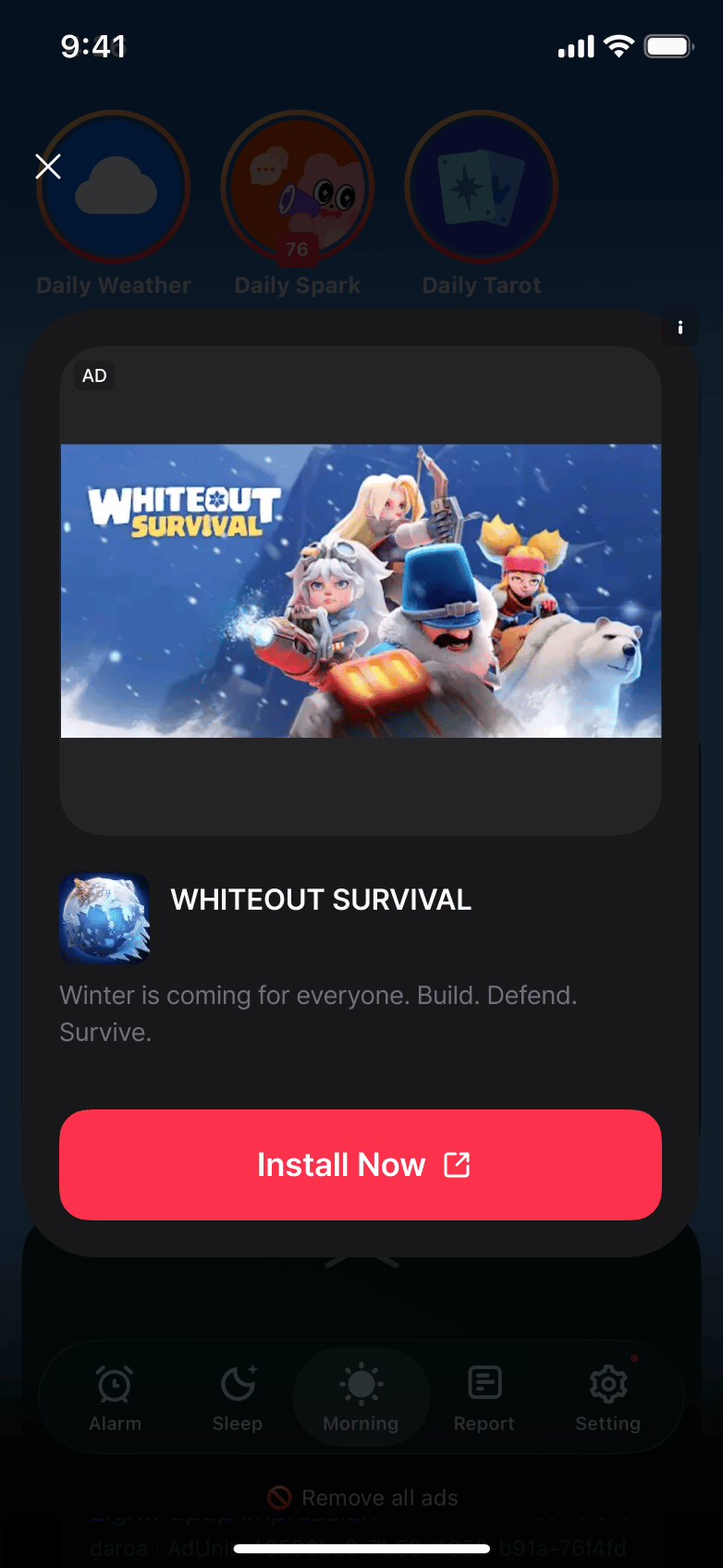
Displays an ad as a popup over your app screen.
* Android Light Popup Example
* iOS Light Popup Example
***
## Implementation
Light popup ads use the Hook API. `useLightPopupAd` manages loading state and customization options together inside your component.
The previous static API (`LightPopupAd.loadAd` and friends) is deprecated. Static listeners such as `LightPopupAd.addAdLoadedEventListener` do not receive events for ads loaded through the Hook or instance API — when you move ad loading to the new API, move the event listeners with it.
```javascript theme={null}
import { Button } from "react-native";
import { useLightPopupAd } from "react-native-daro";
function LightPopupAdButton({ adUnitId }) {
const { isLoaded, isLoading, load, show, isAdReady } = useLightPopupAd(
adUnitId,
{
onLoaded: (adInfo) => {
// Ad loaded
},
onLoadFailed: (errorInfo) => {
// Ad failed to load
},
onHidden: (adInfo) => {
// Ad dismissed
},
onImpressionRecorded: (adInfo) => {
// Impression recorded
},
}
);
const handlePress = async () => {
if (await isAdReady()) {
show();
return;
}
load({
configuration: {
closeButtonText: "Close AD",
ctaButtonBackgroundColor: "#4CAF50",
},
});
};
return (
);
}
```
## Screen Lifecycle and Rotation
`useLightPopupAd` releases the previous ad when the component unmounts or the Ad Unit changes. Do not change the component's `key` or call `load()` again solely because the screen size or orientation changes. Keeping the same component lets the native SDK adjust the existing ad's layout. Supported orientations follow your app's settings.
If you manage an instance created with `LightPopupAd.createForAdRequest()` directly, call `destroy()` when you finish using it. `removeAllListeners()` only removes event subscriptions. Create a new instance instead of reusing one after `destroy()`.
```javascript theme={null}
import { useEffect } from "react";
import { LightPopupAd } from "react-native-daro";
useEffect(() => {
const ad = LightPopupAd.createForAdRequest(adUnitId);
ad.load();
return () => ad.destroy();
}, [adUnitId]);
```
 * iOS Light Popup Example
 ***
## Implementation
Light popup ads use the Hook API. `useLightPopupAd` manages loading state and customization options together inside your component.
***
## Implementation
Light popup ads use the Hook API. `useLightPopupAd` manages loading state and customization options together inside your component.