> ## Documentation Index
> Fetch the complete documentation index at: https://guide.daro.so/llms.txt
> Use this file to discover all available pages before exploring further.
# Interstitial Ads
> Implement interstitial ads in your React Native app.
## Interstitial Ad Format
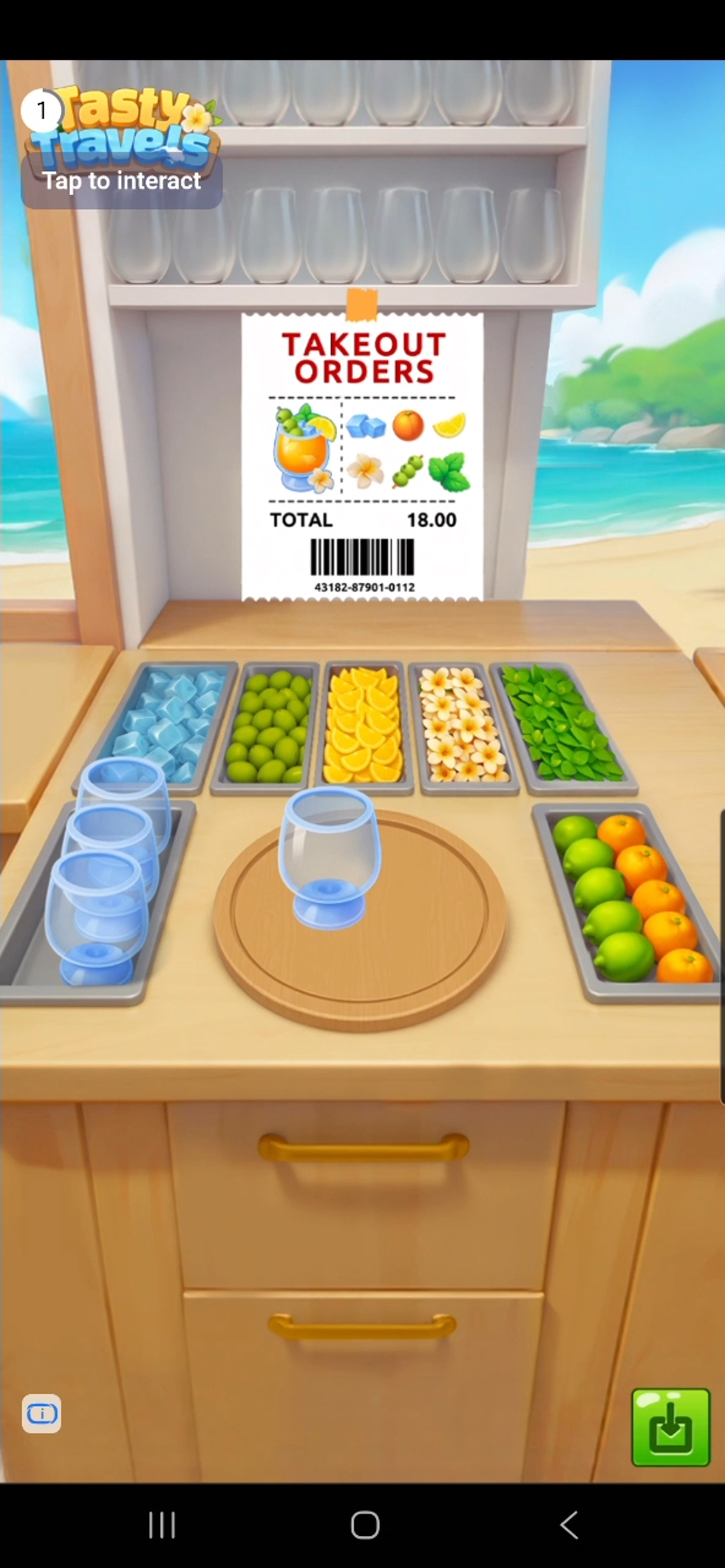
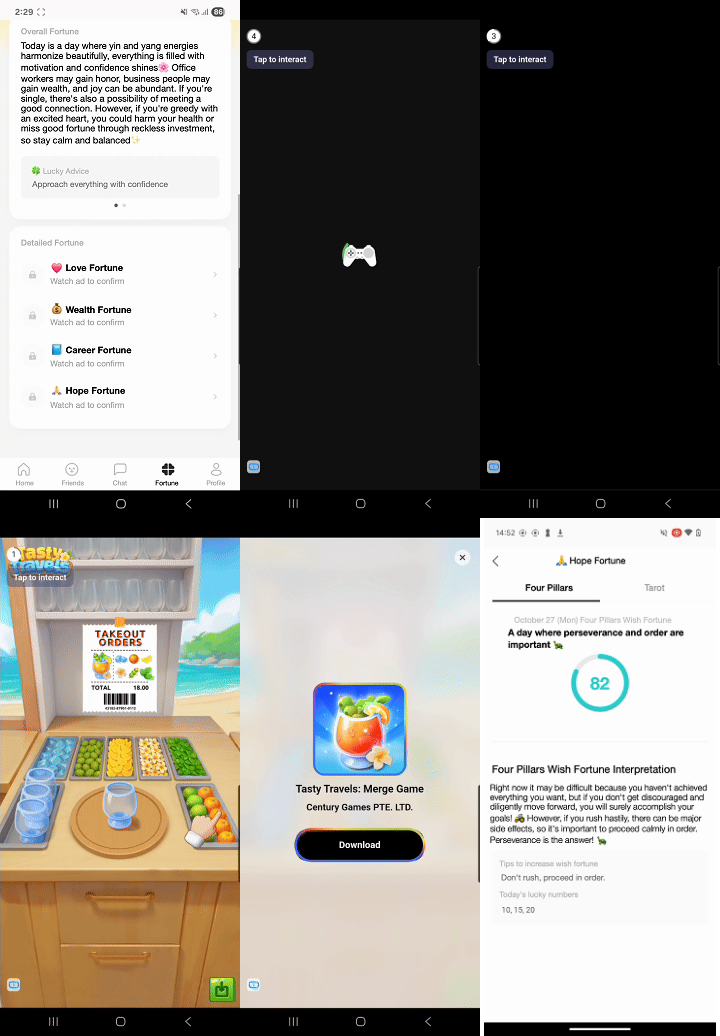
Full-screen ads that cover the entire app interface. Includes both image and video ads (video more common), typically skippable after 5 seconds.
### How It Works
***
## Implementation
Interstitial ads use the Hook API. `useInterstitialAd` manages loading state and event callbacks together inside your component.
The previous static API (`InterstitialAd.loadAd` and friends) is deprecated. Static listeners such as `InterstitialAd.addAdLoadedEventListener` do not receive events for ads loaded through the Hook or instance API — when you move ad loading to the new API, move the event listeners with it.
```javascript theme={null}
import { Button } from "react-native";
import { useInterstitialAd } from "react-native-daro";
function InterstitialAdButton({ adUnitId }) {
const { isLoaded, isLoading, load, show, isAdReady } = useInterstitialAd(
adUnitId,
{
onLoaded: (adInfo) => {
// Ad loaded
},
onLoadFailed: (errorInfo) => {
// Ad failed to load
},
onDisplayed: (adInfo) => {
// Ad displayed
},
onHidden: (adInfo) => {
// Ad dismissed
},
onImpressionRecorded: (adInfo) => {
// Impression recorded
},
}
);
const handlePress = async () => {
if (await isAdReady()) {
show();
return;
}
load();
};
return (
);
}
```
 ### How It Works
 ***
## Implementation
Interstitial ads use the Hook API. `useInterstitialAd` manages loading state and event callbacks together inside your component.
***
## Implementation
Interstitial ads use the Hook API. `useInterstitialAd` manages loading state and event callbacks together inside your component.